LTX 2.3 on Mac is now a serious local AI video generation question, not just a cloud demo question. LTX-2.3 brings synchronized audio and video, 22B model checkpoints, spatial upscalers, and a two-stage generation pipeline that can fit into an Apple Silicon workflow if the machine has enough unified memory, storage, and patience. The key is choosing the right install path before downloading tens of gigabytes of weights.
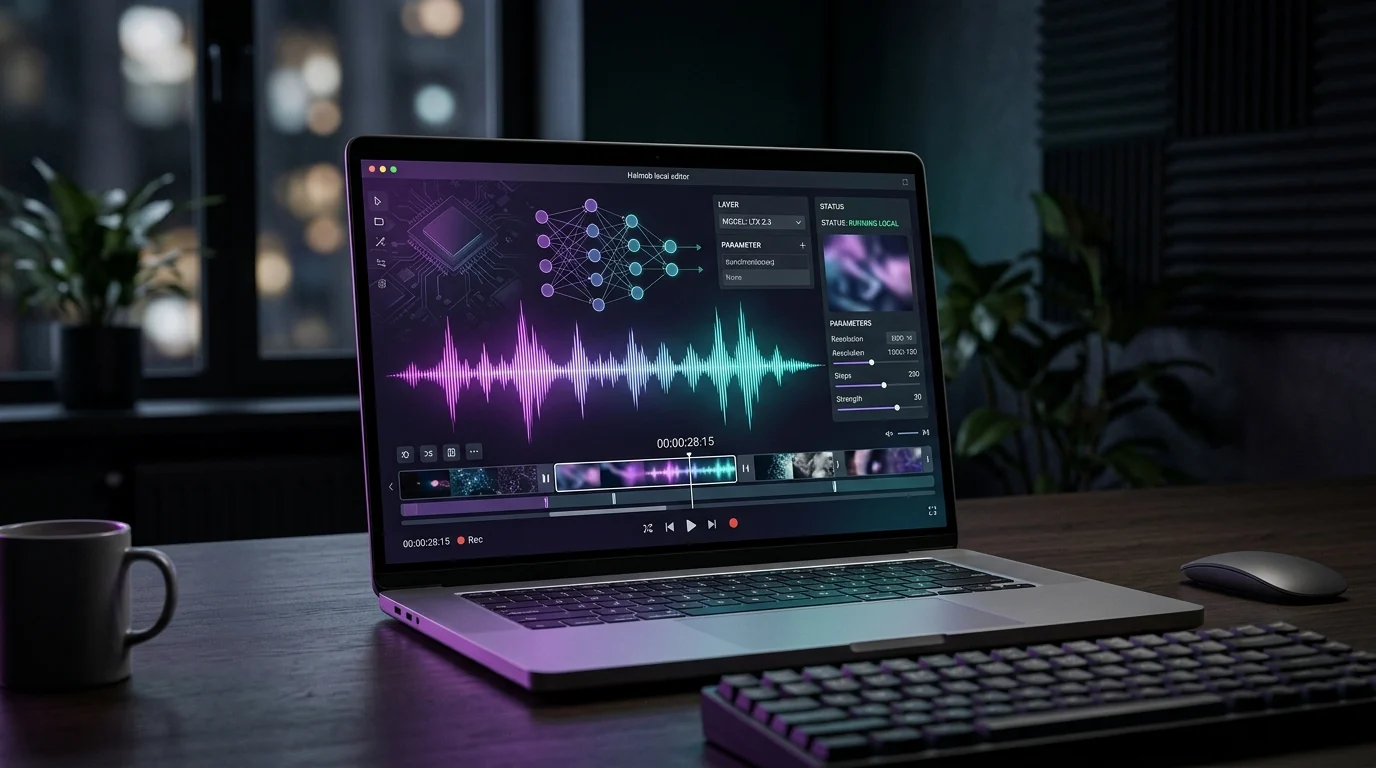
The brief is simple: run the latest LTX video model on a MacBook without turning the project into a hardware guessing game. The answer depends on which part of the stack you mean. LTX Desktop is the polished editor. ComfyUI is the node graph. Python gives developers control. MLX-style local execution is the Mac-native path people want, but it should be planned like a production workload, not like a quick app install.
The 30-Second Version
What LTX 2.3 Actually Adds
Lightricks describes LTX-2 as a DiT-based audio-video foundation model. In practice, that means the model is designed to generate motion and sound as one coordinated result rather than asking a video model and an audio model to agree after the fact. The LTX-2 repository points developers to the LTX-2.3 weights on Hugging Face, including the 22B dev checkpoint, the distilled 1.1 checkpoint, spatial upscalers, temporal upscalers, control LoRAs, and a Gemma text encoder requirement.
| Capability | Why it matters on a Mac | Planning note |
|---|---|---|
| Synchronized audio and video | The output can include motion, ambience, and sound as one generation | Budget memory for both streams, not just frames |
| 22B model checkpoints | The model is large enough to stress unified memory and disk | Start with distilled weights if you are testing |
| Spatial upscaling | The current pipeline can generate lower first, then refine higher | Keep the upscaler weights next to the main checkpoint |
| Control and LoRA options | Teams can steer style, motion, or structure | Treat customization as phase two, after base inference works |
MacBook Requirements: Minimum vs Comfortable
The minimum Mac is not the same as the Mac you want to use every day. Apple Silicon matters because unified memory lets the GPU and CPU share one pool. That helps local AI workloads, but it also means the browser, editor, ComfyUI, Python process, cached tensors, and video files compete with the model. A machine that technically starts a run can still be painful if it swaps or runs out of storage.
| Part | Minimum to try | Recommended for real work |
|---|---|---|
| macOS | macOS 14 or later | Latest stable macOS with current developer tools |
| Processor | Apple Silicon M1, M2, M3, or M4 | M3 Max, M4 Max, or newer high-memory Apple Silicon |
| Unified memory | 32GB | 64GB or more |
| Free storage | 20-42GB for selected weights | 150GB+ for weights, upscalers, caches, and outputs |
| Expectation | Short tests and lower resolutions | Longer clips, larger batches, and fewer restarts |
The practical question is not whether the Mac can start LTX 2.3. It is whether the Mac can run it twice while your editor, browser, and output cache are still open.
Which Installation Path Should You Pick?
The React mockup in the brief shows four useful lanes: a native app, ComfyUI, Python, and a desktop editor. They are not competitors. They are levels of control. Pick the one that matches the job you are doing this week.
- Start with the app path if you want results. A packaged LTX video generator is the shortest route for creators who want text-to-video, image-to-video, audio generation, and a queue without writing code.
- Use ComfyUI when the pipeline matters. ComfyUI is the best place to see the model, upscaler, conditioning, and refinement stages as nodes. It is also the easiest place to compare settings visually.
- Use Python when the workflow is a product. If LTX is part of a backend, internal tool, or n8n automation, Python gives you repeatable scripts, versioned settings, and logs.
- Use LTX Desktop when editing matters. A full editor is useful for story work, review, and iteration. Check whether the current Mac build generates locally or uses the LTX API before planning offline work.
A Safe Local Setup Plan
Treat the first run as a systems test. Do not download every checkpoint, enable every control model, and ask for a long 4K clip on day one. Prove the path with a small output, measure memory pressure, then step up resolution and duration.
Step 1: Prepare the machine
- Update macOS and Xcode command line tools.
- Keep a clean project folder on a fast internal disk or external SSD.
- Close memory-heavy apps before the first generation.
- Decide whether the first test is ComfyUI, Python, or a packaged app.
Step 2: Download only the weights you need
For the LTX-2 repository flow, choose one main checkpoint from the LTX-2.3 Hugging Face repository, then add the spatial upscaler required by the current two-stage pipeline. The distilled 1.1 checkpoint is the practical first pick because it is designed for fewer steps. Move to the full dev checkpoint after the workflow is stable.
Step 3: Run a small baseline
Use a short clip, modest resolution, and a fixed seed. Save the prompt, settings, model filename, runtime, memory pressure, and output path. That single baseline gives you something useful to compare when you change resolution, frame count, or checkpoint.
Model Checkpoints and Storage Planning
The storage numbers in a UI card are easy to underestimate because they describe model files, not the whole working folder. You also need room for downloads in progress, extracted caches, generated videos, preview images, ComfyUI custom nodes, Python environments, and failed experiments you forgot to delete.
| Checkpoint | Role | How to think about it |
|---|---|---|
| ltx-2.3-22b-dev | Full flexible model | Use when you need the highest control or training-friendly behavior |
| ltx-2.3-22b-distilled-1.1 | Fewer-step distilled model | Use first for practical local tests and repeatable comparisons |
| ltx-2.3-spatial-upscaler-x2-1.1 | Higher-resolution refinement | Keep it installed if you use the two-stage pipeline |
| Control LoRAs | Motion, structure, or reference control | Add after the base text-to-video path is stable |
Performance Expectations on Apple Silicon
A MacBook is not a multi-GPU inference server. The win is local iteration, privacy, and workflow ownership. Expect the first run to be slow because weights download and caches warm up. A short 720p-style test can take minutes on a high-end M-series laptop, and larger outputs climb quickly. That is normal. The goal is not to beat a cloud cluster; it is to make local generation predictable enough to use.
- Start small. Test a 5-second clip before asking for 20 seconds.
- Change one setting at a time. Resolution, frames, steps, and guidance all affect runtime.
- Watch memory pressure. If macOS turns yellow or red, lower the target before debugging model quality.
- Keep outputs organized. Local video generation creates many large files fast.
Where This Fits in the Halmob Stack
At Halmob, the useful pattern is not just a creator laptop. It is a local generation station connected to automation. A Mac can prototype prompts, styles, and baselines; n8n automation can move approved prompts, assets, review notes, and publishing steps; and mobile apps can expose the approved workflow without exposing the model folder.
This connects to the same operating model we use for n8n production workflows, mobile agent orchestration, and multi-model orchestration. The model is only one layer. The durable product is the pipeline around it.
The Bottom Line
LTX 2.3 makes local Mac video generation worth planning carefully. If you have Apple Silicon, enough unified memory, enough disk, and a realistic first test, you can build a useful workstation loop. If you skip those basics, the model will feel unreliable even when the code is fine. Start with the distilled checkpoint, keep the two-stage pipeline simple, measure one baseline, then expand toward longer clips, higher resolution, audio, and controls.
For source material, start with the official LTX-2 repository, the LTX-2.3 model weights on Hugging Face, and the LTX documentation. For teams that want this inside a product workflow, Halmob can connect the local generation station to review, automation, and deployment loops.